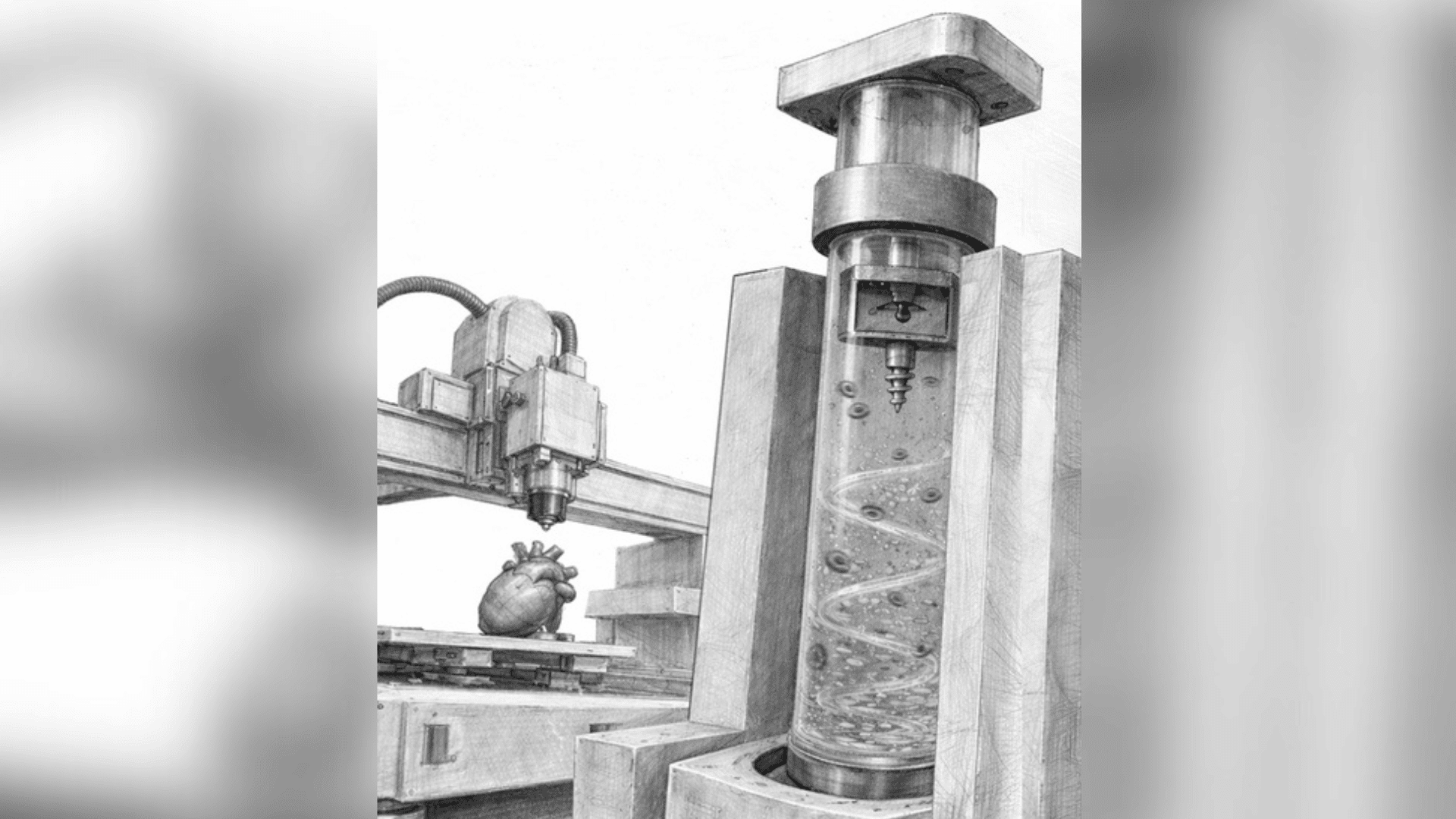

By combining hands-on craft materials with digital fabrication tools, student makerspaces are designed to foster creativity, problem-solving, and innovation through STEAM education. Below are some of the top tools and technologies that allow student makerspaces to inspire the next generation of creators, engineers, and inventors.
3D Printers
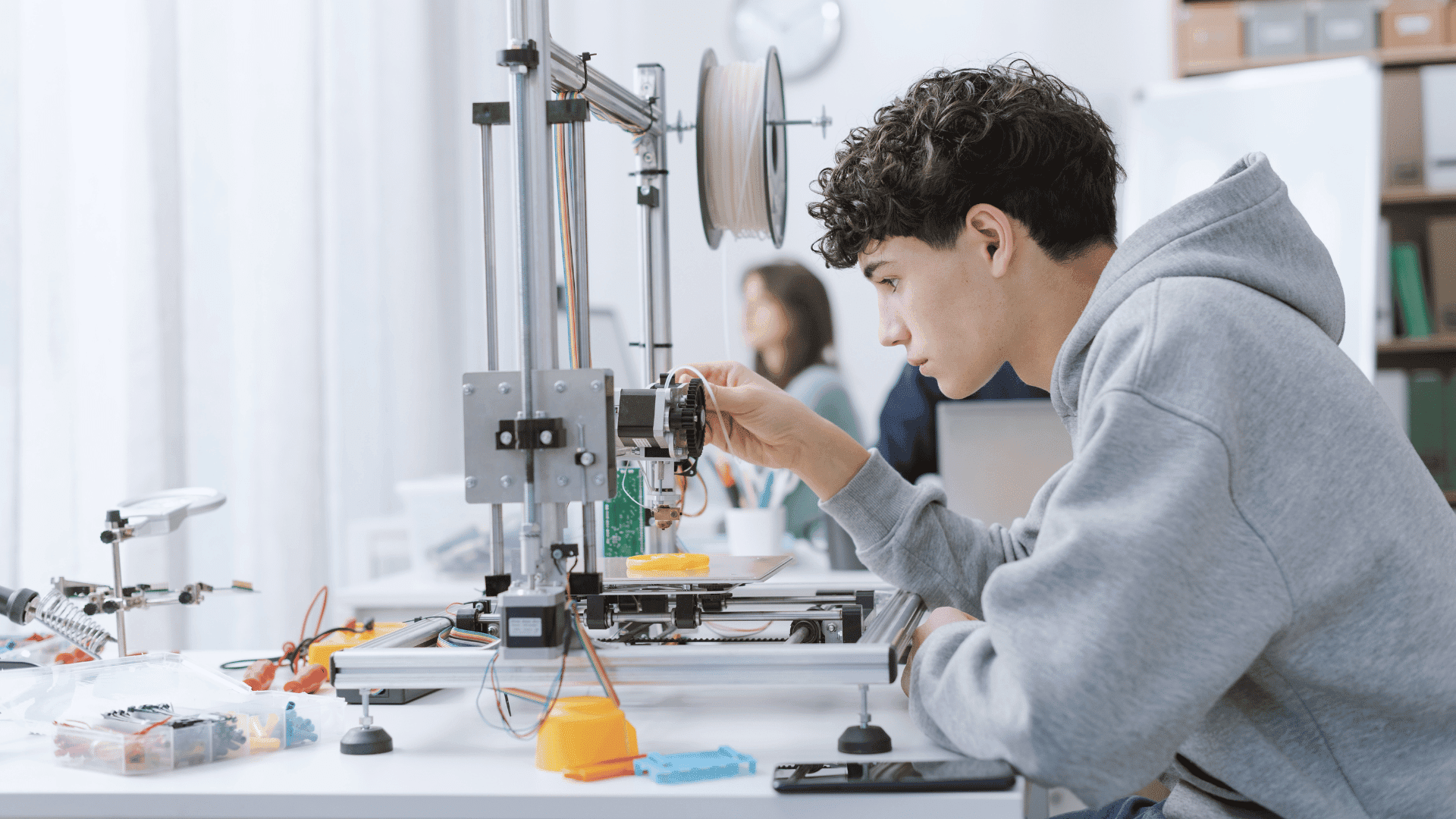
3D printers allow students to transform digital designs into real creations, providing them with a valuable learning opportunity to experience the full design and engineering process. This tech takes a virtual 3D model from your computer and constructs a physical model using various plastics and resins.
The printing process can take anywhere from less than an hour to more than a full day, depending on the size and complexity of the design. A large number of free 3D models are available from online repositories, or they can also be custom-designed, depending on the student’s skill level.
Laser Cutters & CNC Machines
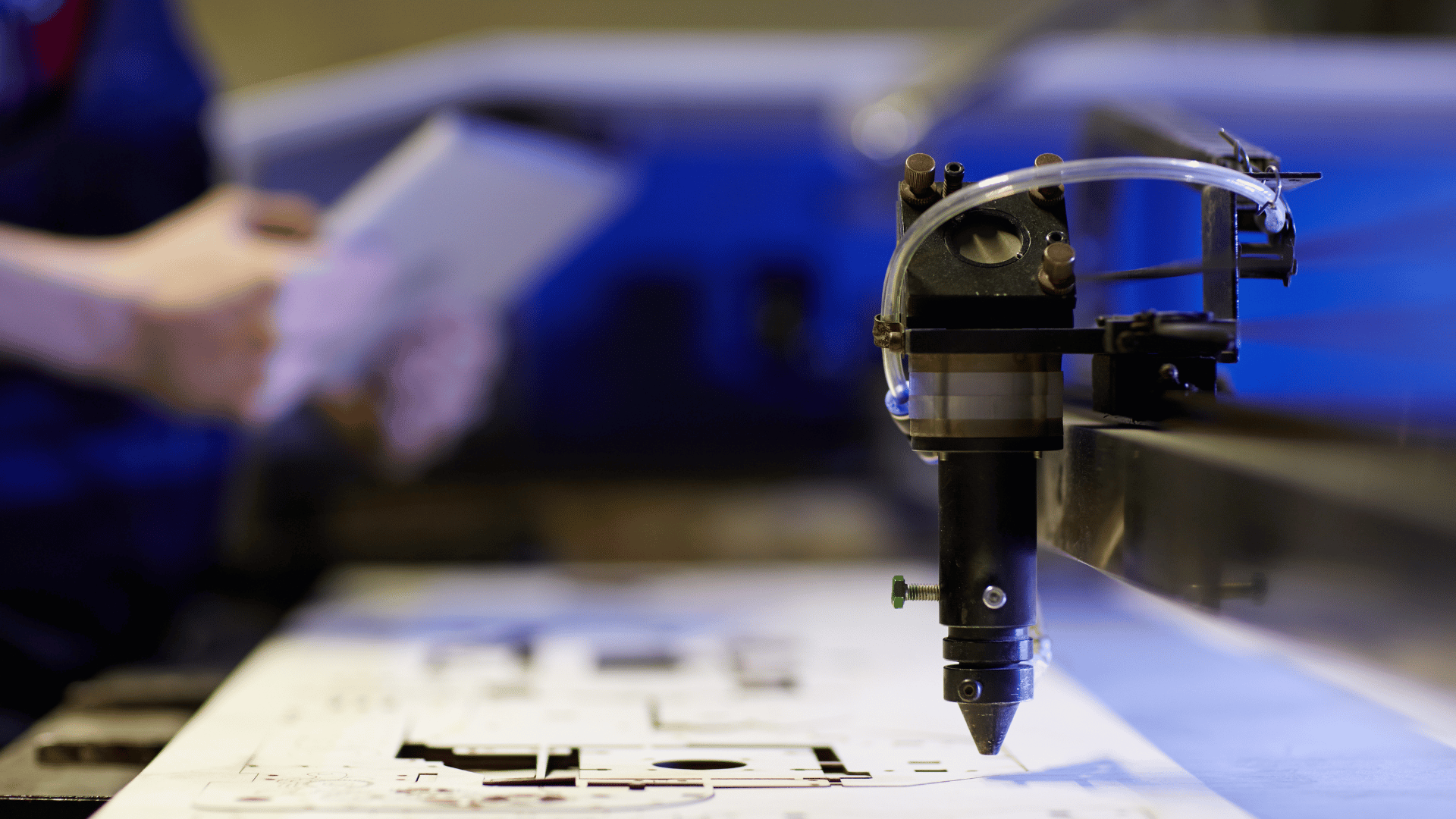
These machines enable students to construct intricate objects from various materials and introduce them to the real-world concepts of additive and subtractive manufacturing. Students can create designs using a variety of materials, including wood, acrylic, paper, metal, and fabric. Whereas laser cutters use a powerful, precise laser beam to cut intricate shapes or engrave surfaces, CNC routers are computer-controlled machines that use a spinning piece to physically mill away material.
Craft & Building Supplies
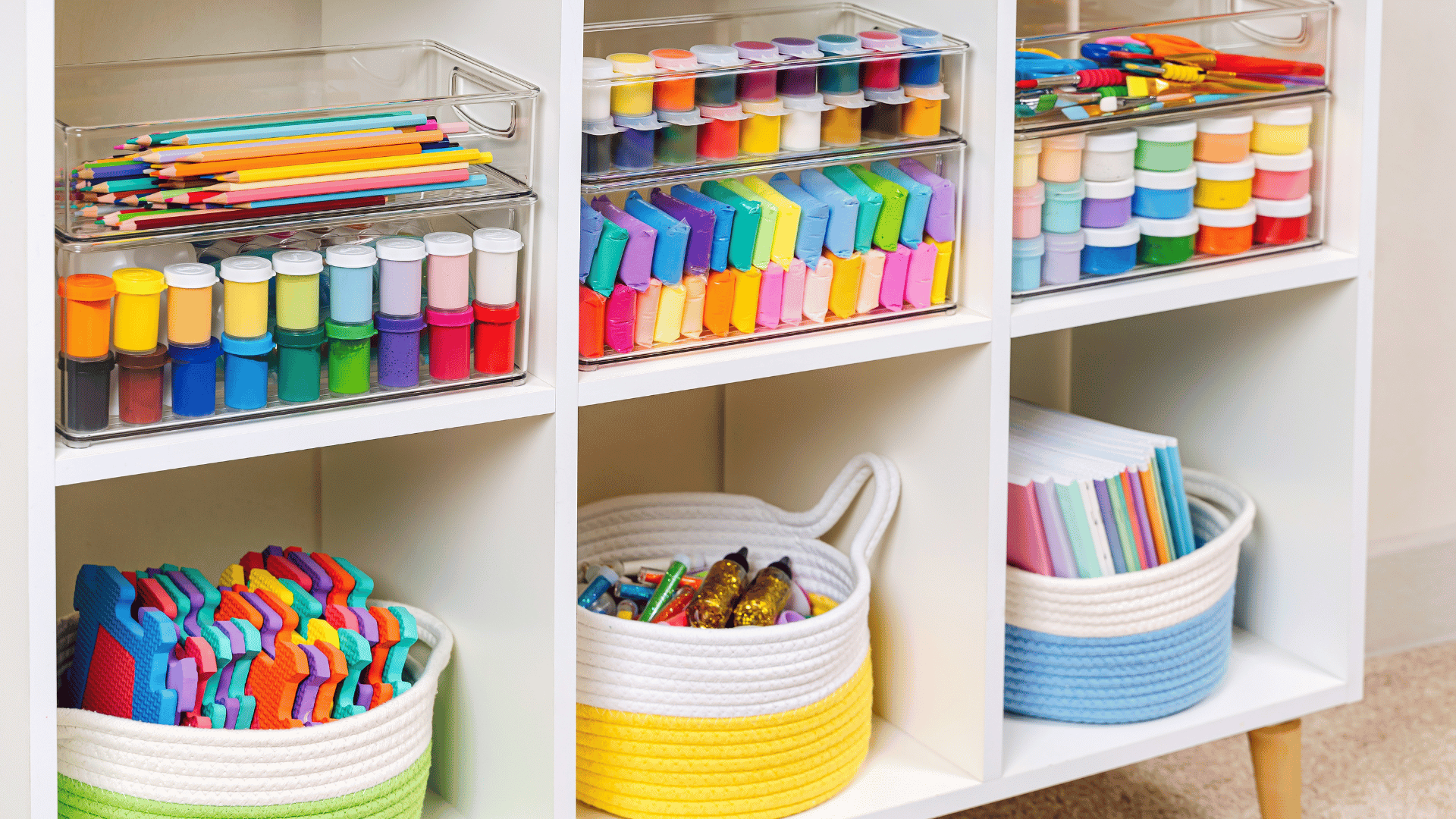
Incorporating simple items such as cardboard kits, LEGO-like blocks, or play-dough in a makerspace encourages students to develop creative engineering skills. Inventionland Education, for example, encourages teachers to create what they call “magic bins,” which are bins where students can recycle half-used supplies, unneeded tools, or other random materials that may be useful, like markers, paint, hammers, scissors, screws, paper, etc. Then the bin becomes a resource for students who either need extra supplies or an engineering challenge to find imaginative uses for items they might have otherwise overlooked or discarded.
Software & Digital Platforms
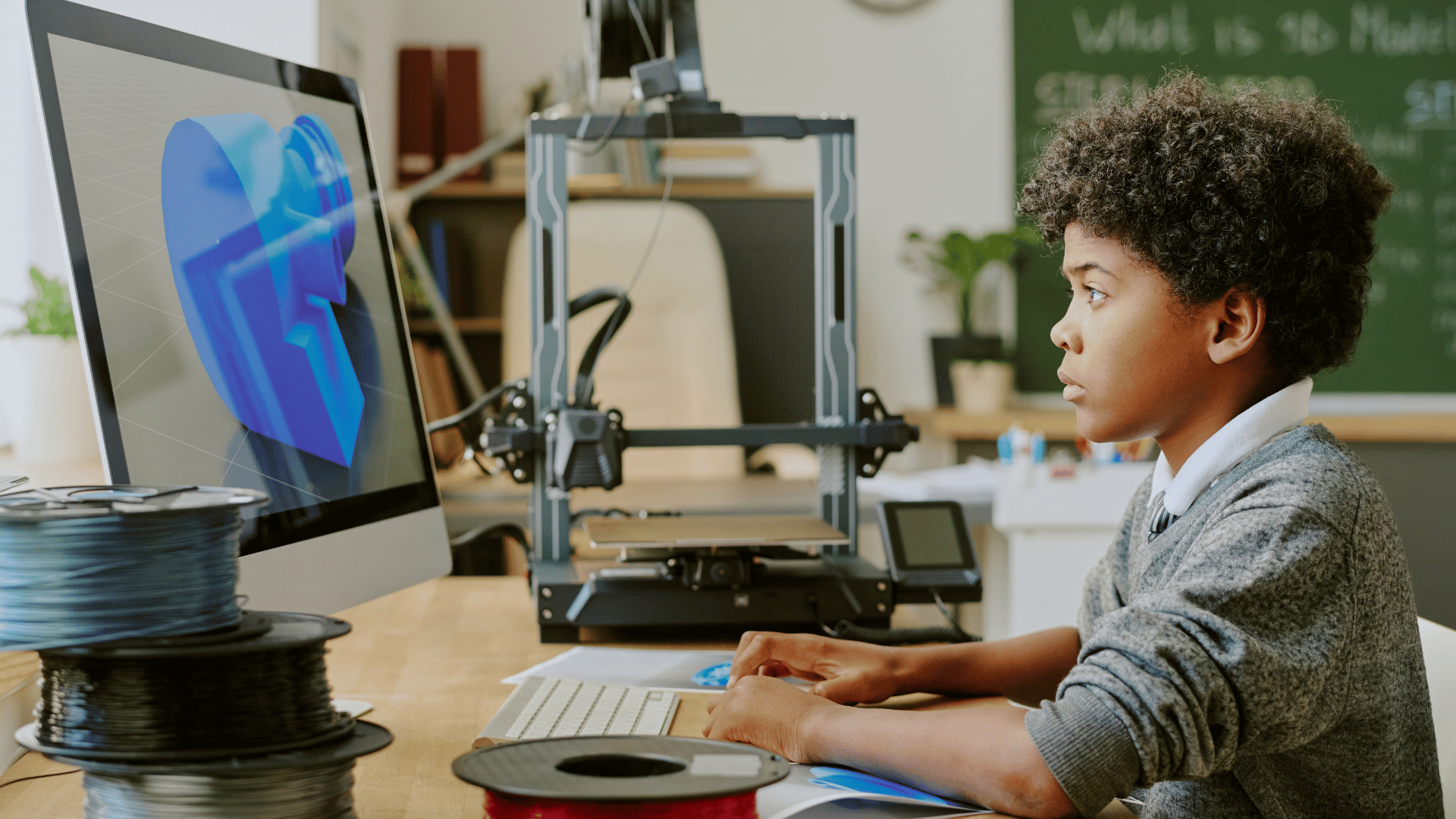
Utilizing modern software tools ensures students are equipped with 21st-century digital skills. Machines in makerspaces typically use vector graphics software (Inkscape, Illustrator), CAD programs, 3D design software (Tinkercad, SketchUp), coding platforms (Scratch, Tynker), graphic design/video editing software (Canva, GIMP, Adobe), AR/VR tools, microcontrollers/prototyping gear (Arduinos, Raspberry Pis), and robotics kits (Ozobot, Sphero).